Quizzes are auto-generated tests built from your own materials. Use them as a checkpoint before an exam or as ongoing self-testing during revision.
Generate a quiz
- Open a page.
- In the AI Features panel, click the gear icon on the Quiz tile.
- Configure:
- Difficulty - Easy, Medium, or Hard
- Number of questions - 10, 20, 30, or Custom (up to 75 per generation)
- Question Type - Multiple Choice, True / False, or Both (mixed)
- Time Limit - optional countdown for the whole attempt
- Optionally narrow which sources or page/timestamp ranges to draw from.
- Click Generate. Review questions in the list before starting your attempt.
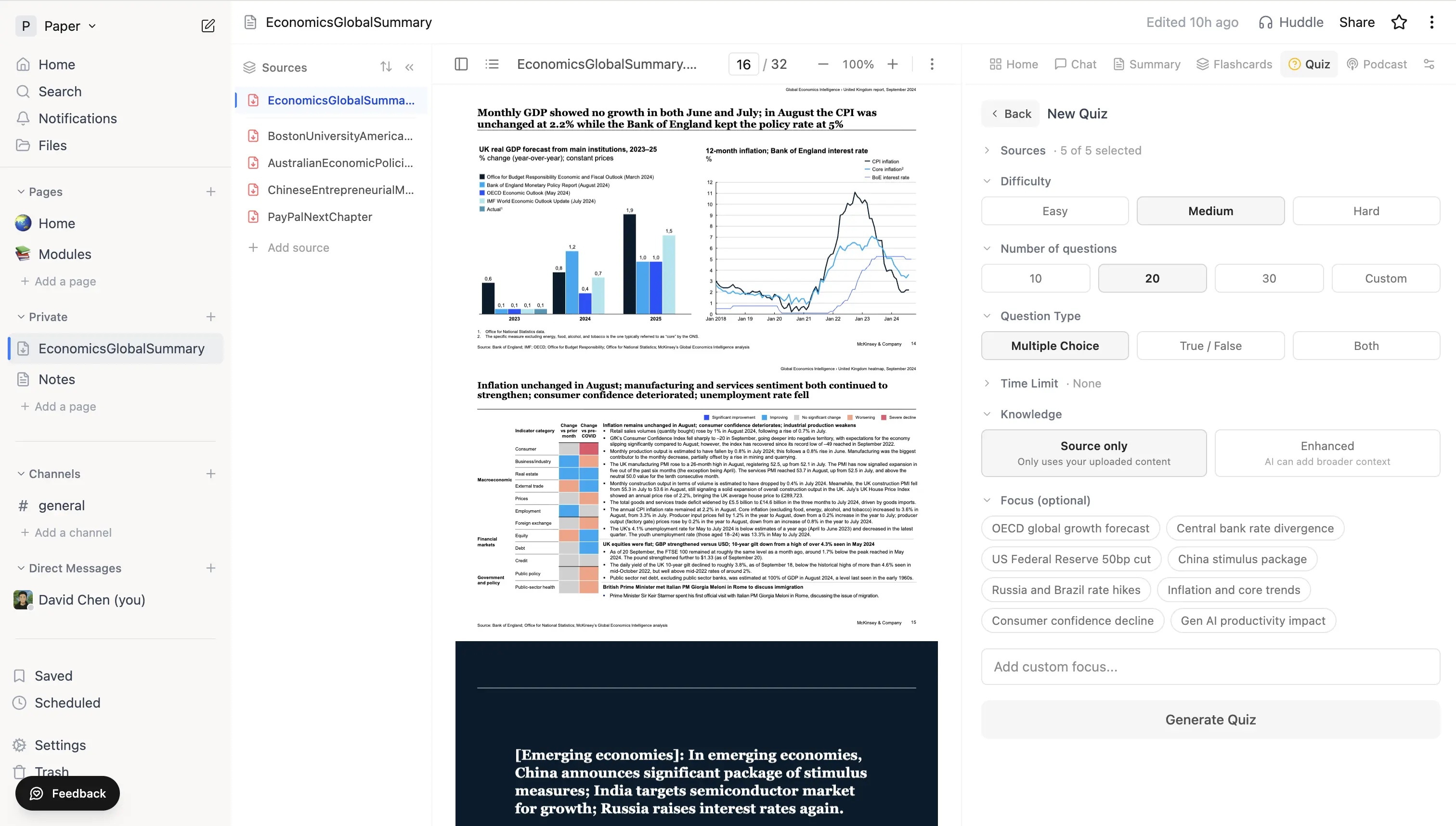 Quiz generation panel with Difficulty, Number of questions, Question Type (Multiple Choice / True / False / Both), and Focus chips.
Take a quiz
- Each question shows its choices and (if set) a hint you can reveal before answering.
- For multiple choice, one answer is correct.
- For true/false, the choices are simply True and False.
- You can skip with the chevron arrows and come back to any question before submitting.
- A countdown shows in the header when a time limit is set.
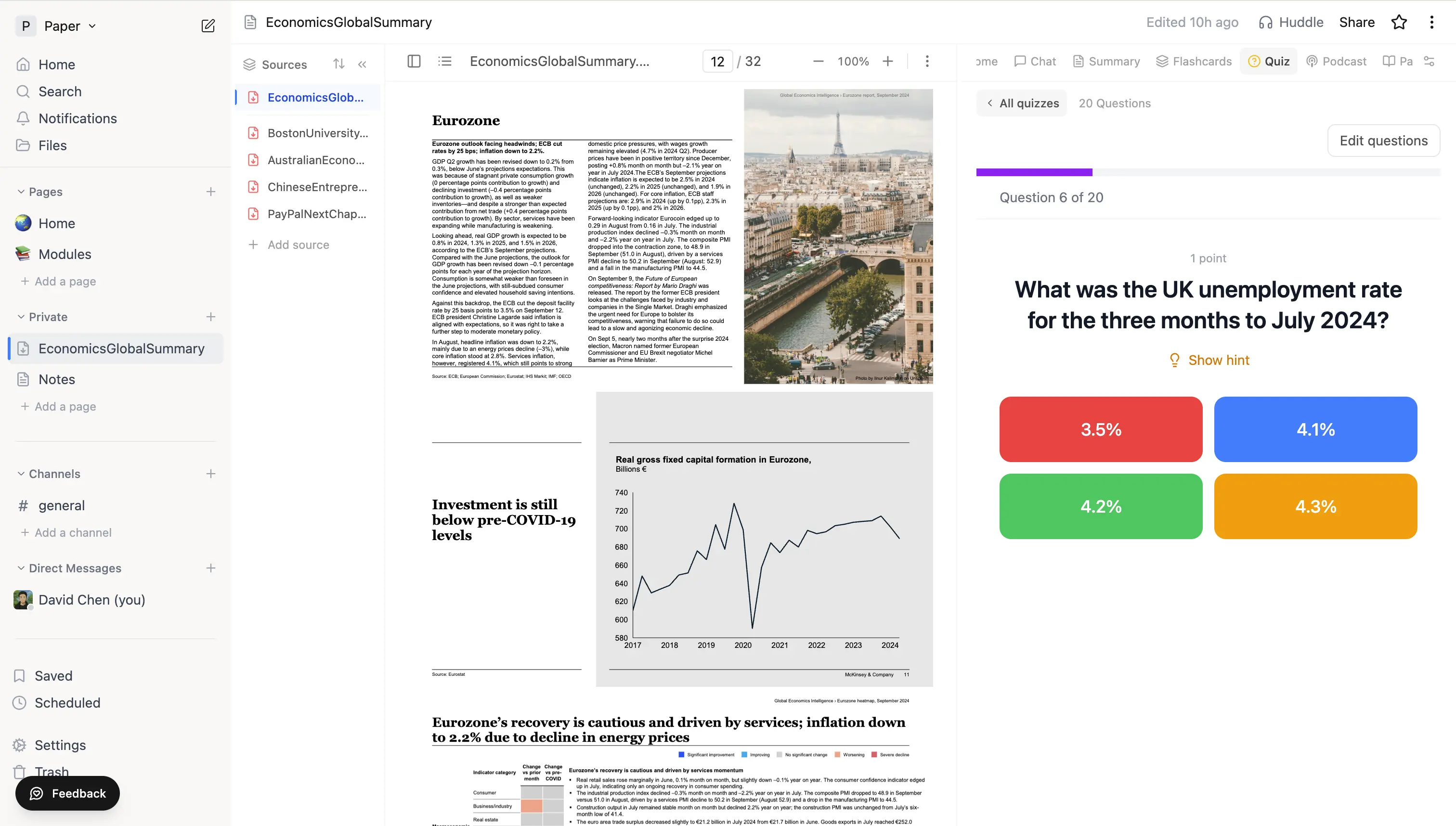 A quiz question with four colour-coded answer choices and the Show hint affordance.
After the quiz
You'll see:
- Your score and a per-question breakdown
- The correct answer plus a brief explanation
- A Save missed as flashcards button that drops every wrong answer into a Quiz Mistakes deck for spaced-repetition review
Re-take the quiz and the questions are reshuffled so you can't just memorise the order.
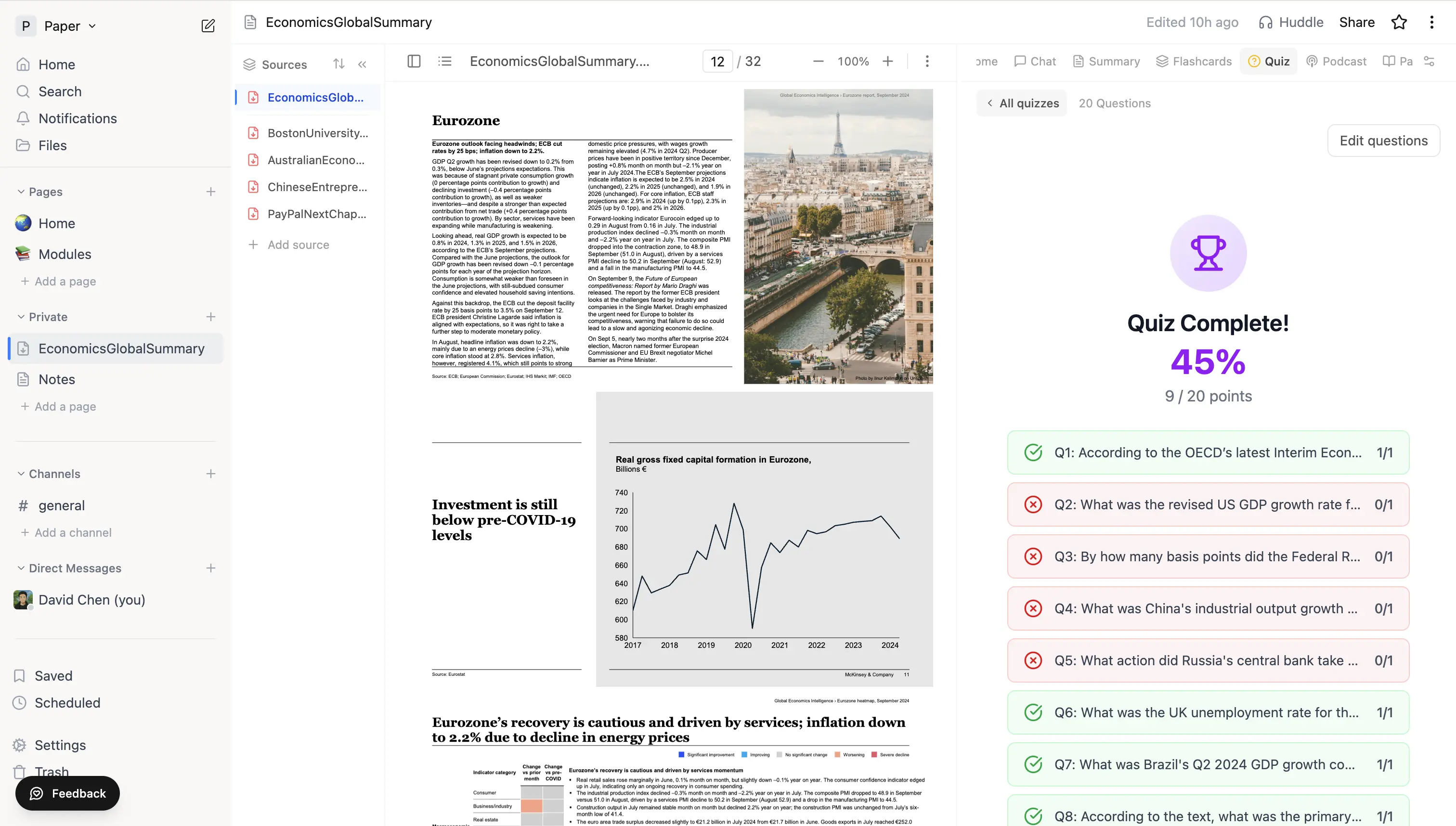 Quiz results screen with overall score and a per-question pass/fail breakdown.
Asking the tutor during a quiz
While taking a quiz, the chat panel knows which question you're on. Ask "why is the answer X?" or "explain this concept" and it answers in the context of the current question without giving away answers you haven't attempted yet.
Tips
- Generate a short (10-question) quiz after a study session for quick reinforcement.
- Hard difficulty surfaces weak understanding faster than easy recall.
- Quizzes share the same source index as chat, so editing a transcript or removing an irrelevant source improves quiz quality.
- Cards from missed questions slot into the same FSRS schedule as your other flashcards.